Top of main content

Open Banking

Link accounts with other banks to view all your balances, transactions and account activities in one place.

Open Banking – an Inter-bank Account Data Sharing (IADS) initiative

Open Banking, facilitated by the Hong Kong Monetary Authority's (HKMA) IADS programme, enables the secure sharing of your deposit account data through an open API, with your consent.

To learn more about Open Banking, Watch this video (available in Chinese only) by the HKMA.

For details on the HKMA IADS initiative and participating banks, visit the Hong Kong Monetary Authority - Interbank Account Data Sharing (IADS) website.
Hong Kong Monetary Authority logo

Link a non‑HSBC account and earn an HKD80 cash reward!

From 28 July to 31 August 2026, link an account that you have with another bank to earn an HKD80 cash reward. Available to the first 1,500 customers only, first‑come, first‑served. T&Cs (PDF) apply.

Key features

All in one place

Get a consolidated view of your current and savings accounts held with other banks, through the HSBC HK App – no need to log on to multiple apps.

Refresh for real-time updates

View your real-time account balances across banks and the transaction history of these accounts of up to 120 days.

Secure and easy to use

Add or remove accounts from other banks securely in just a few steps, through the HSBC HK App anytime, anywhere.

Your data security is our priority

We only link your selected non-HSBC accounts from your chosen banks to the HSBC HK App with your consent. This consent won't allow other banks to access your HSBC account information, which will remain private and secure with us.

Explore Open Banking on the HSBC HK App

View the balances of your linked accounts

  • Your linked account balances will appear on your homepage under "Accounts with your other banks"
  • Select Refresh to view the latest balances
View the balances of your linked accounts
View your real-time transactions

View your real-time transactions

  • Select an account to view its latest transactions, with up to 120 days of transaction history
  • Find transactions using the date or transaction type filter, or by keyword search

Ready to get started? It's easy!

Log on to the HSBC HK App

Step 1: Log on to the HSBC HK App

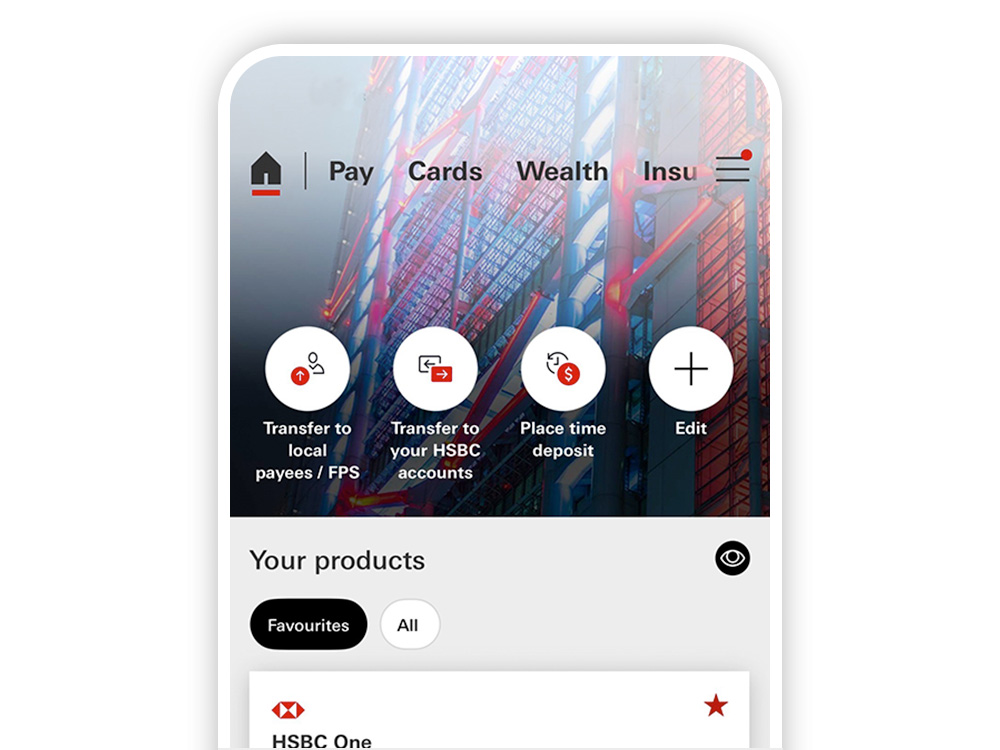
On the homepage, select 'HSBC global or non-HSBC accounts' under 'Your products'
Select the bank where the account you want us to link is held

Step 2: Select the bank

Select the bank where the account you want us to link is held
Select the consent period

Step 3: Select the consent period

Select how long you'll allow HSBC to access your account data 


Accept the terms and conditions, then you will be directed to the other banks to select accounts

Confirm authorisation of data sharing

Step 4: Confirm authorisation of data sharing

Complete the process on your selected bank's website or app


You'll be taken back to the HSBC HK App once it's successful

Get the HSBC HK App now

HSBC Mobile Banking app home screen

Convenience that you can bank on

With the HSBC HK App, you can manage your banking easily, wherever you are, whenever you want. Get the app today, and discover a wide range of products and services at your fingertips.

Scan the QR code to download it

QR code to be scanned with mobile device to generate mobile app account opening page journey for sole customers.

FAQ

Important information

The screens displayed are for illustration purposes only. Please refer to the HSBC HK App for actual screens.